Cover the hours your desk is empty
Remote Concierge Services for Condos and Multi-Residential Buildings
A licensed operator answers your lobby intercom, checks the visitor against your building’s own rules, opens the door only when those rules are met, and logs it. Overnight, around the clock, or alongside the concierge you already have.
No obligation. We will tell you if your building is better off with a person on site.
The same team, on and off site
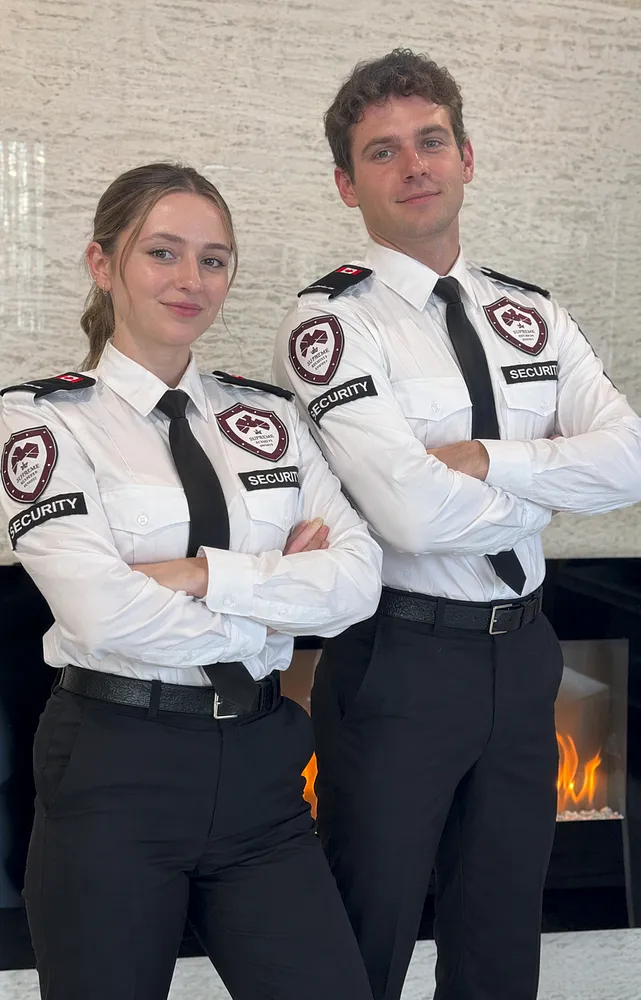
Supreme concierge staff work our client desks. Remote operators run from our own Concord station, not an offshore call centre.
Which of these is your building?
Pick the one that sounds closest. It is the fastest way to get a useful answer instead of a brochure.
Situation 01
Our lobby is unattended overnight
The desk closes at 11pm and nobody knows who came through the door until the morning. Garage doors get propped and nobody sees it.
Get overnight coverage pricedSituation 02
We staff 24 hours and the board is asking why
Daytime is genuinely busy. The overnight shift signs in two visitors and reads a book. You need the coverage without the full cost of a body.
See what a hybrid looks likeSituation 03
We have never had a concierge at all
A plain buzzer that dials suites, several entry points, and residents letting in whoever asks. A full-time desk was never realistic here.
Find out if this fitsRemote concierge, defined
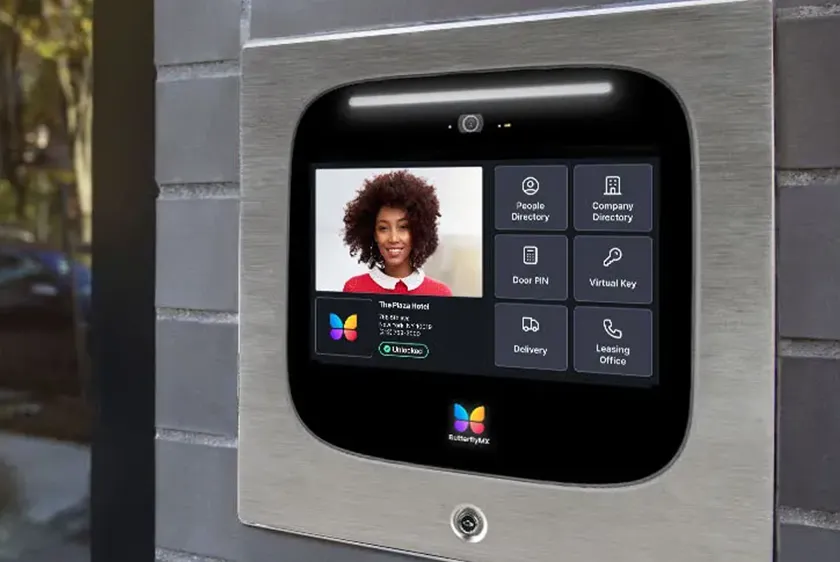
Remote concierge, sometimes called virtual concierge, is a live, off-site front desk for condos, apartments and other multi-residential properties. A trained operator speaks with the person at your entrance over a video intercom, checks the request against the access rules your building has approved, releases a compatible door or gate when those conditions are met, and records the decision.
01The short version
You are buying a decision, not a screen on the wall
A video intercom on its own just moves the buzzer. What changes the outcome is a trained person on the other end who knows what your building decided about contractors after 9pm, which suites have standing delivery permissions, and who to call when someone is holding the vestibule door open for a stranger.
Supreme runs its own monitoring station at our Concord head office. Remote concierge, live video monitoring, access control support, mobile patrol and on-site guards all move through one structure. When an operator needs a person at your building at 3am, they are not filing a ticket with another vendor.
02Scope, stated plainly
What a remote operator handles, and what still needs a person
Read this before anything else. It decides whether the rest of the page is worth your time.
Handled remotely
Seeing, speaking, verifying, releasing a door and writing it down.
- Visitor screening at the door. Two-way conversation, live camera view, checked against your approved process.
- Resident call-ahead. Reaching the suite before a guest is let in, where your protocol requires it.
- Courier and vendor direction. Who they are, where they are permitted, whether the hour is allowed.
- Contractor entry control. Work orders and time windows checked before a trade gets through.
- Door and gate release. On compatible access systems, confirmed during the technical review.
- Escalation. Management, patrol or emergency services on your written contact tree.
- The written record. Every entry, refusal and callout captured the same way on every shift.
Still needs someone on site
Anything that needs hands, feet or a body in the building.
- Receiving and storing parcels. An operator can direct a courier. Nobody remote signs for a box.
- Key, fob and locker handovers. Physical custody needs a physical custodian.
- Amenity and floor patrols. Walking the garage, gym, party room and stairwells.
- Hands-on emergency duties. Meeting fire services at the panel, directing an evacuation.
- Moving and elevator supervision. Taking the booking is one thing, standing with the elevator is another.
- Face-to-face resident service. Buildings where residents expect a greeting by name each morning.
- Removing someone. A remote operator can refuse entry and escalate, but cannot walk a person out.

Most buildings end up hybrid, and that is fine
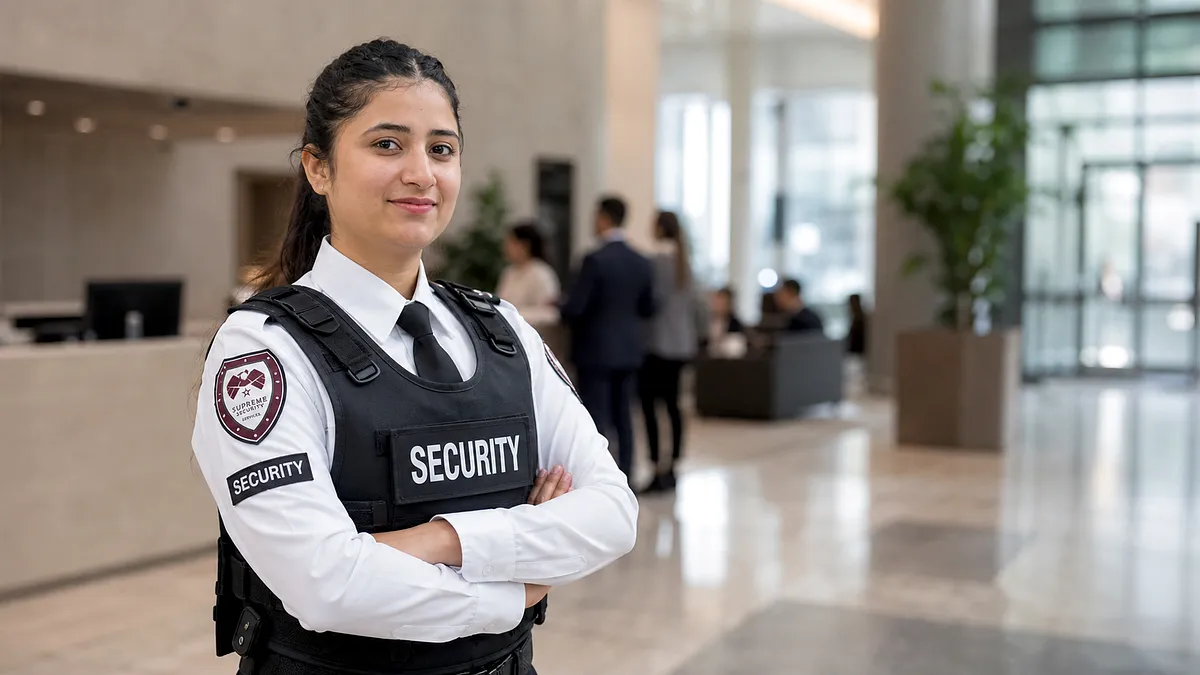
An on-site concierge works the busy daytime and evening hours, when parcels, movers and residents genuinely need a person. The desk is then handed to a remote operator overnight instead of going dark.
Both halves run the same protocol, the same contact tree and the same reporting format, because it is the same company on both ends of the handover. The overnight operator reads what the day guard wrote at 6pm, and the morning guard reads what happened at 3am.
Not sure which half of that list your building falls into?
Send the property details and we will map it out for you in writing, at no cost.
03On shift
What the operator is doing while your building sleeps
The value is not that someone answers. It is that the same answer comes back at 4am on a long weekend.
Deciding who gets through the front door
A visitor presses the intercom. The operator sees them, hears them, and has your building’s rules on screen. From there it is a sequence, not a judgment call.
- Refusals are documented as carefully as approvals
- Standing permissions are honoured without a phone call
- Anything outside the rules goes up the tree, not through the door
- Time-restricted access is enforced by the clock, not by mood
Camera-assisted verification
The intercom tells the operator what the visitor claims. The camera tells them whether three more people are waiting just out of frame. Where cameras are missing, coverage can be added.
Courier and vendor traffic
Food couriers, parcel drivers, cleaners and the trades a manager booked three weeks ago all arrive at the same door. Each is matched to permitted access points and permitted hours before anything opens.
Escalation that goes somewhere
Outside the approved path, the operator works a written contact tree: management, a mobile patrol unit, a guard, or emergency services. You decide the order in advance, not at 2am.
Handover between shifts
The repeat visitor trying the side door, the propped garage entrance, the suite with a disputed guest: anything unresolved is passed on in writing. Problems do not reset at shift change.
04Step by step
Where a stranger actually gets stopped
The full sequence for one visitor at one door.

-
1
The visitor presses the intercom
They state who they are visiting and why. The operator sees a live image of the entrance at the same moment.
-
2
The request is checked against your rules
Is this suite on a standing permission list? Is the vendor booked? Are trades allowed through this entrance at this hour? The answers sit in your building profile, not in the operator’s memory.
-
3
The resident is called
Where your protocol requires confirmation, the operator reaches the suite before anything opens. This is the step that quietly stops most unwanted entries. There is no talking past a resident who says they are not expecting anyone.
-
4
The decision is applied to the door
Conditions met, the door releases. Conditions not met, it stays shut and the operator explains why. Nobody is let in to avoid an awkward conversation.
-
5
Anything unusual goes up the tree
Aggression at the door, someone refusing to leave the vestibule, a propped entrance: these move to the documented escalation path instead of improvised permission.
-
6
It gets written down
That record is what makes a pattern visible three weeks later, when the same face keeps appearing at 1am.
- Timestamp and entrance
- Date, time and which door or gate the request came from
- Person at the door
- Name given, company if stated, suite or area requested
- Stated purpose
- Delivery, guest visit, scheduled trade, service call, other
- Verification used
- Camera view, resident confirmation, vendor booking, standing permission
- Contact reached
- Suite, management or designated contact, and whether they responded
- Decision applied
- Entry released, entry refused, or referred to another contact
- Escalation
- Whether patrol, management or emergency services were notified
- Operator
- Which licensed operator handled the interaction
05What you can show the board
A logbook nobody reads is not a security program
The most common complaint we hear about a previous provider is not that something went wrong. It is that when something went wrong, nobody could reconstruct it. The binder at the desk had three lines for a whole weekend, and two of them said “all quiet”.
A remote program creates the record at the moment of the decision, by the person making it, in the same format every time. So at the next board meeting you have:
- The real count of after-hours entry requests, and how many were refused.
- Which entrance generates the most traffic, and at what hours.
- Whether the propped garage door is a one-off or a Tuesday habit.
- A timestamped account written by a licensed operator when an incident turns into a dispute.
Field names and reporting format are confirmed with management during setup, so the output matches how your building already reviews incidents. Camera retention and recorded footage stay governed by the building’s own systems and policies.
06Side by side
Remote concierge, on-site concierge, or an intercom with nobody behind it
Most buildings are choosing between these three, often without naming the third one out loud.
| At the front door | Remote concierge | On-site concierge | Intercom only |
|---|---|---|---|
| Who answers a visitor | A licensed operator on shift | A licensed guard at the desk | Whichever resident is home |
| Identity and purpose checked | Yes, against your written rules | Yes, against your written rules | No consistent standard |
| Overnight and holiday coverage | Same standard as any other hour | Depends on staffed hours | None |
| Parcel receipt and storage | Not possible remotely | Yes | No |
| Key and fob handover | Not possible remotely | Yes | No |
| Patrol of amenities and garage | Requires patrol or a guard | Yes, where post orders allow | No |
| Written record of entries | Every interaction, one format | Depends on the provider and the shift | None |
| Response when it escalates | Documented tree to management, patrol or 911 | Person present, plus escalation | A resident decides alone |
| Consistency across shifts | Same protocol, supervised centrally | Varies with who is working | Not applicable |
This compares capability, not cost. Coverage is quoted after a site review, because suite count, entrance count, visitor volume and the hours you actually need change the answer more than any list can.
07Getting it running
Four stages from first call to first live shift
The first two stages are where the real work sits. Skipping them is why remote programs fail.
Building and technology review
We walk the entrances, look at the intercom and access hardware you own, check camera angles and connectivity, and count the tasks that still need a person on site.
From youAccess to the entrances, the make of your intercom and access system, and current desk hours.
Protocol and fallback design
Management approves the verification rules, the contact tree, what happens on a refusal, and the fallback if a camera, controller or internet link drops mid-shift.
From youDecisions we cannot make for you: guest policy, contractor hours, who gets woken at 3am.
Testing before anyone relies on it
Every entry point is tested end to end with the operators who will work your account. Audio, video, door release and escalation calls are all exercised before the first live shift.
From youA short window to trigger doors and test calls without alarming residents.
Resident communication and go live
Residents and regular vendors get plain instructions on how entry now works, so week one is not spent explaining the change at the door.
From youA notice channel to residents and a named building contact for the first few weeks.

Operators are briefed on your building, not handed a script
Every account starts with a walkthrough of the property with the people who will work it: the entrances, the systems, the life-safety panel locations and the escalation contacts. The same standard we apply to on-site posts applies to the operators answering your door.
That briefing is why an operator can tell the difference between a resident’s regular dog walker and someone who has learned the right thing to say at an intercom.
Ready to see the numbers for your building?
Send the suite count, entrances and the hours that worry you. You get a written scope back, including anything remote coverage cannot do.
08Best fit
Where remote concierge earns its place
Four patterns we see most often across the GTA and southern Ontario, with the coverage shape that usually follows.
High-rise condo with a staffed day desk
Parcels, movers and residents keep a person busy until the evening. After that the traffic is thin but the exposure is not, and an empty desk at 2am is when the garage door starts getting propped.
Usual shapeOn site through the day and evening, remote overnight, one protocol across both.
Boutique and mid-rise buildings
Too few suites to carry a full-time desk, too many entry points to leave on a plain buzzer. Most have never had a concierge and are not looking to start with a full-time post.
Usual shapeRemote coverage on defined hours, with mobile patrol dropping in for the physical checks.
Rental portfolios under one manager
Several buildings, none large enough to justify its own desk, all with the same after-hours problems and no consistency in how entry is handled from one address to the next.
Usual shapeOne protocol across the portfolio, with per-building rules where they genuinely differ.
Gated communities and townhome complexes
The exposure sits at the vehicle gate rather than a lobby. A gate that opens for anyone who waits behind a resident is not really a gate.
Usual shapeRemote coverage at the gate station, escalating to patrol for anything inside the property line.
09Why Supreme
One provider between the door, the camera and the person who responds
Every handoff between vendors is a place where accountability leaks. Supreme closes them by running the monitoring station, the dispatch and the on-site security under one roof.
Our own monitoring station
Operators work from Supreme’s Concord monitoring operation, already serving client systems today. Your building is not subcontracted to a call centre you never meet.
Ontario-licensed people
The work is done by licensed security personnel under Ontario’s Private Security and Investigative Services Act, supervised the same way our on-site posts are.
Escalation that reaches a real unit
When remote coverage hits its limit, the next step is a Supreme patrol unit or guard on the same dispatch, not a message left with a third party.
A proposal that names the limits
Your written recommendation separates what remote coverage handles from what it cannot, so the board approves a scope it actually understands.
10FAQ
Questions boards ask before they sign
If your question is not here, it is probably specific to your building. Call and ask it directly.
905-761-9992Find out whether remote concierge fits your building
Tell us about the property, the hours that worry you and what has to happen when something goes wrong. You get a written recommendation that separates essential coverage from optional extras, including the parts remote coverage cannot do.
- A written scope and staffing recommendation, not a brochure
- Verification rules and an escalation tree specific to your building
- A clear assessment of the technology you already own
- One accountable supervisor as your operating contact
or call 905-761-9992
Tell us about your property
A supervisor reviews the details and comes back with a clear next step.
Our Location
Find our office in Concord
Supreme Security Services is based in Concord, in the City of Vaughan, just off Steeles Avenue West near Highway 400. Dispatch, supervision and our monitoring station all run from here.
- Head office 3100 Steeles Avenue W, Unit 206, Concord, ON L4K 3B8
- Toll free 1-877-887-7110
- Dispatch 905-761-9992, answered 24/7